
1.Download the free extensionDownload extension
Vonsel v3.0.4
Checked across 65 antivirus engines with VirusTotal ↗
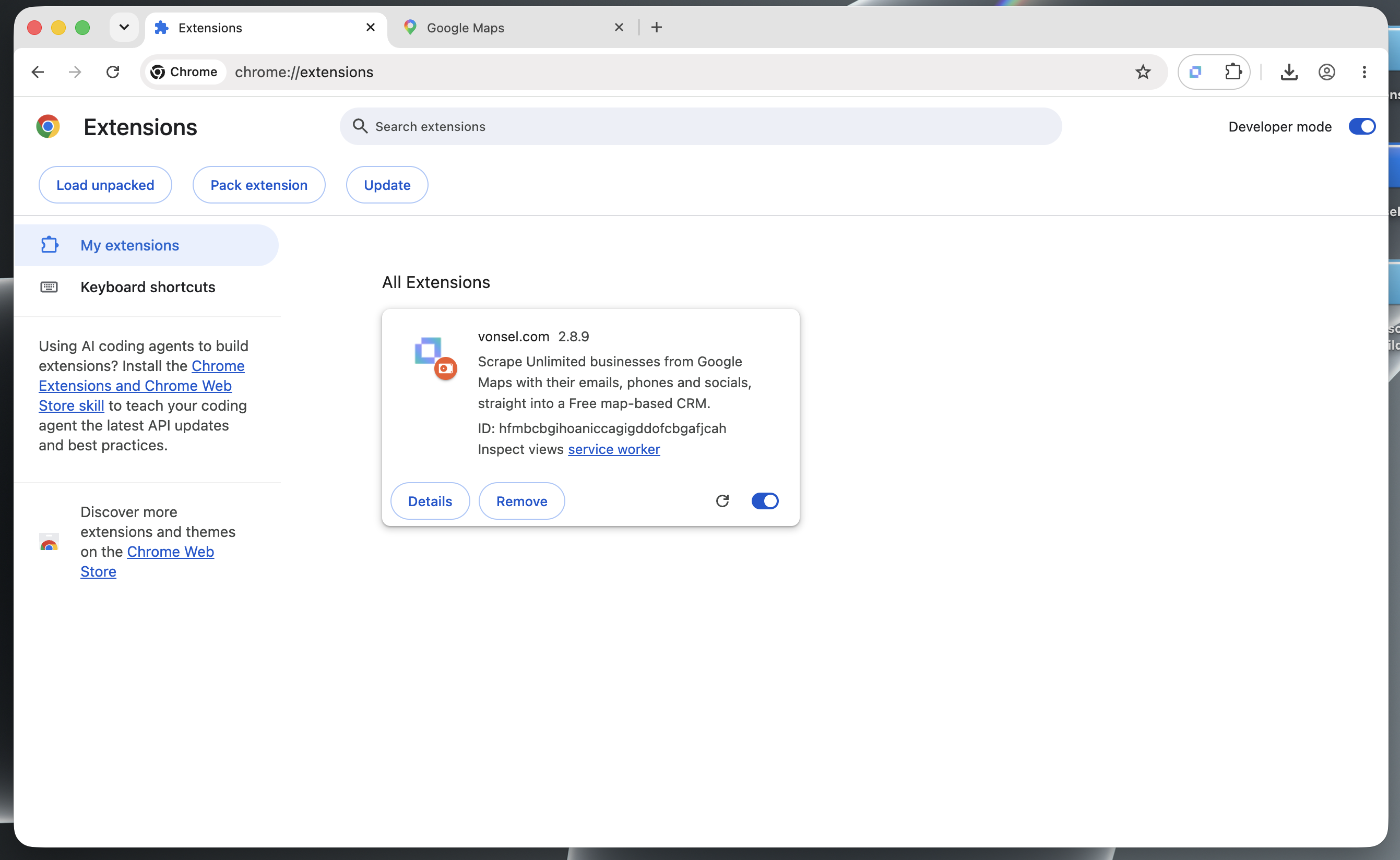
Follow the screenshot, or paste this into Chrome’s address bar:
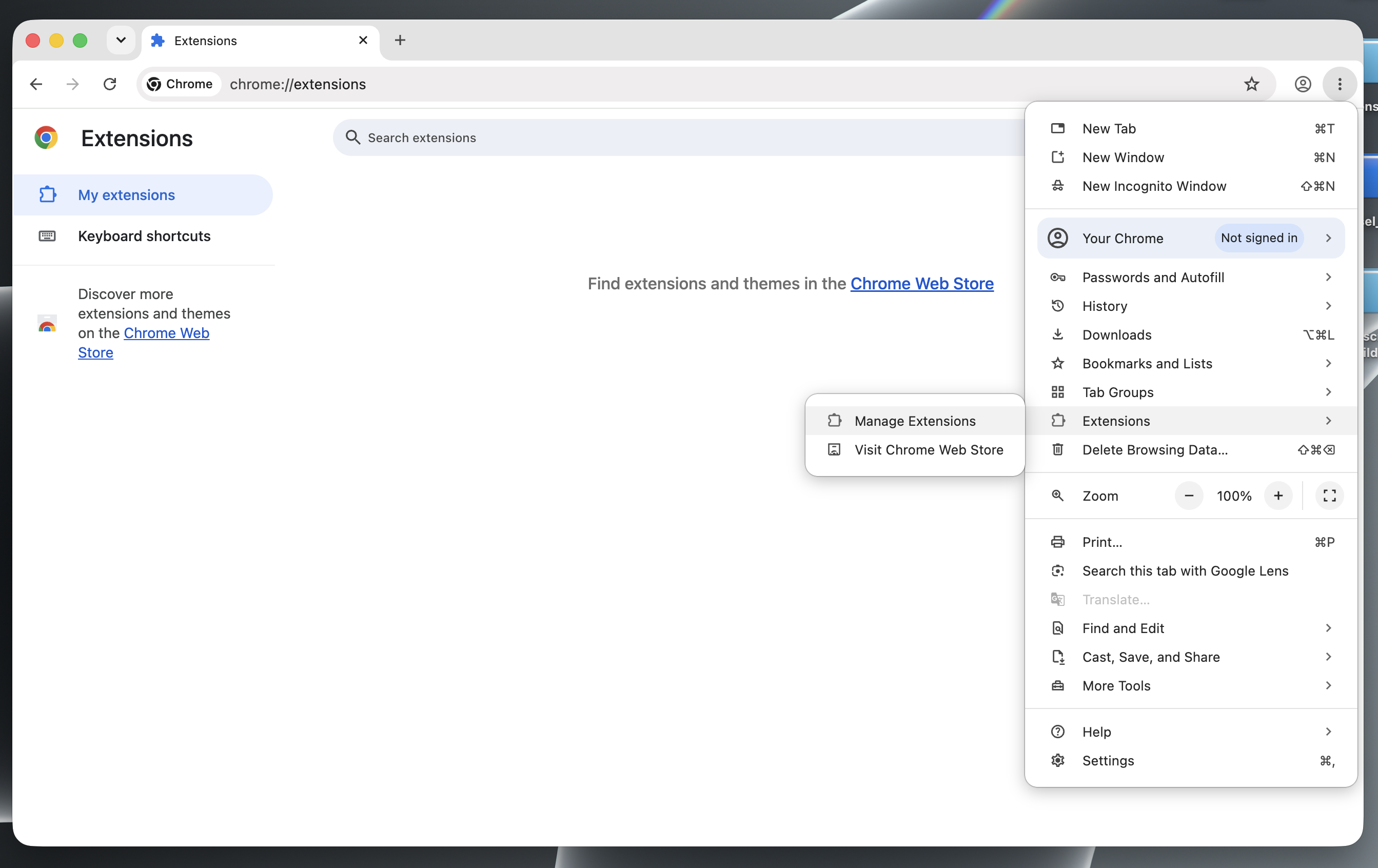
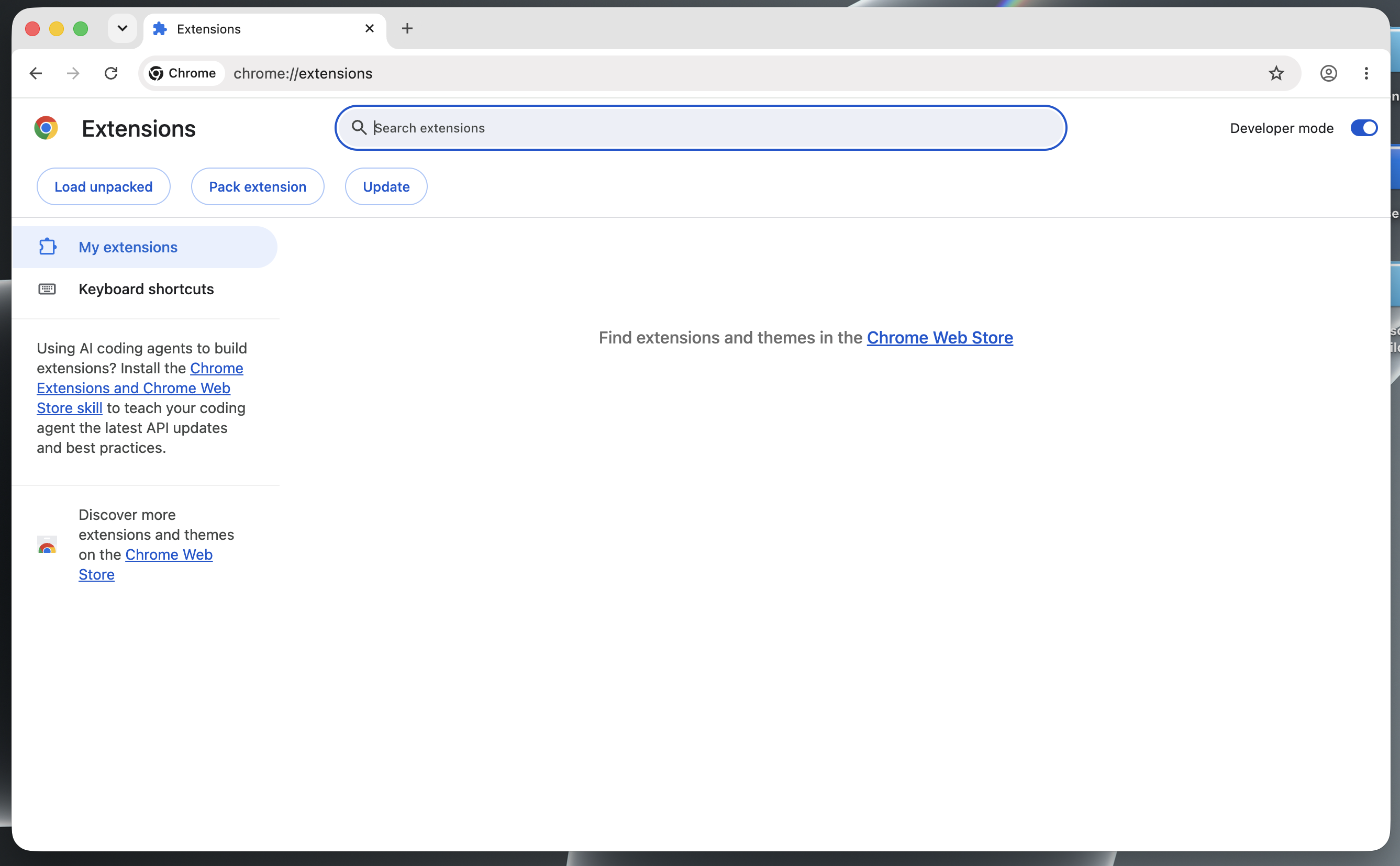
Turn on Developer mode in the top-right corner.

Open Downloads and drag the Vonsel ZIP into the extensions page.
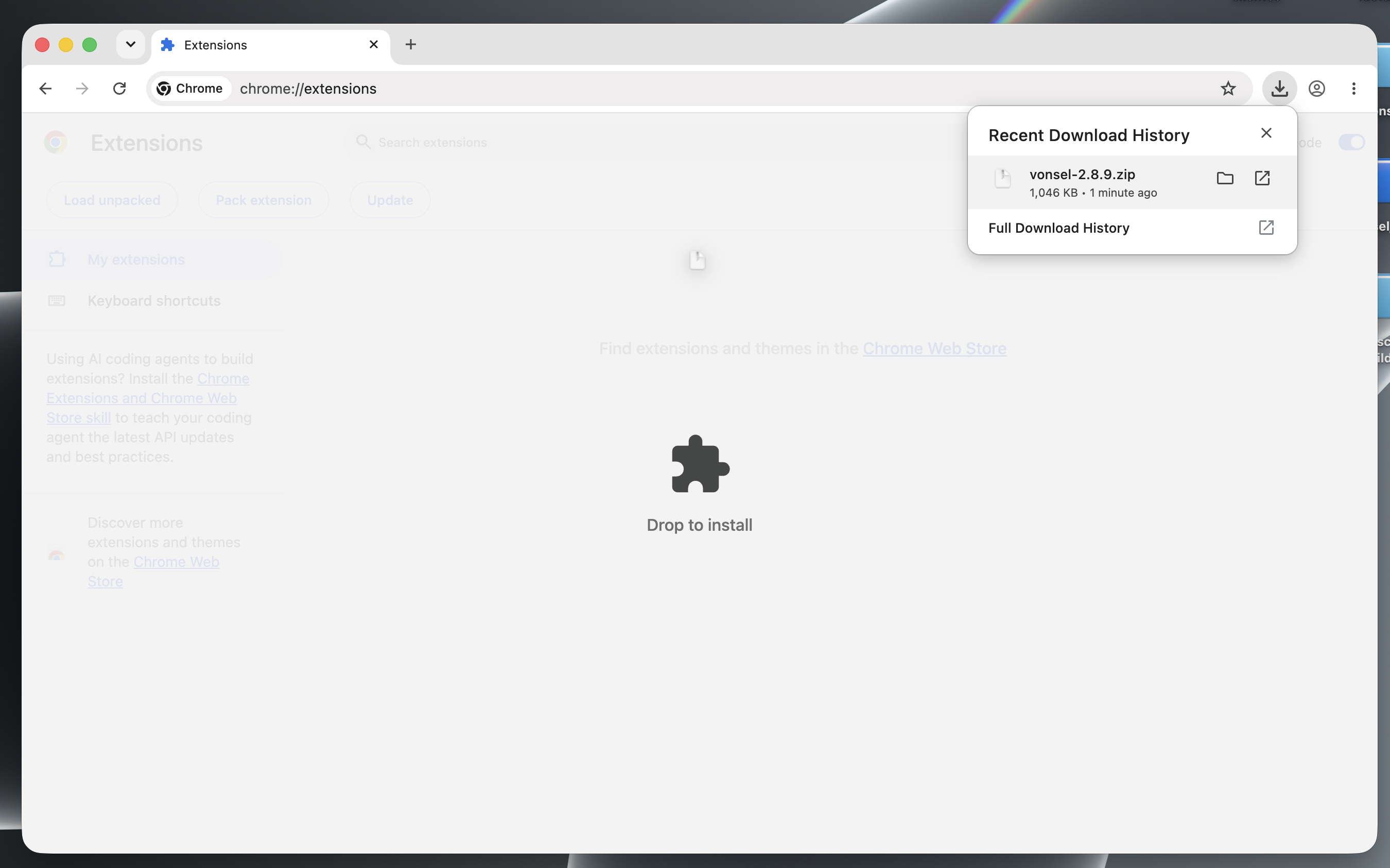 to Chrome
Click the puzzle icon, then the pin next to Vonsel.
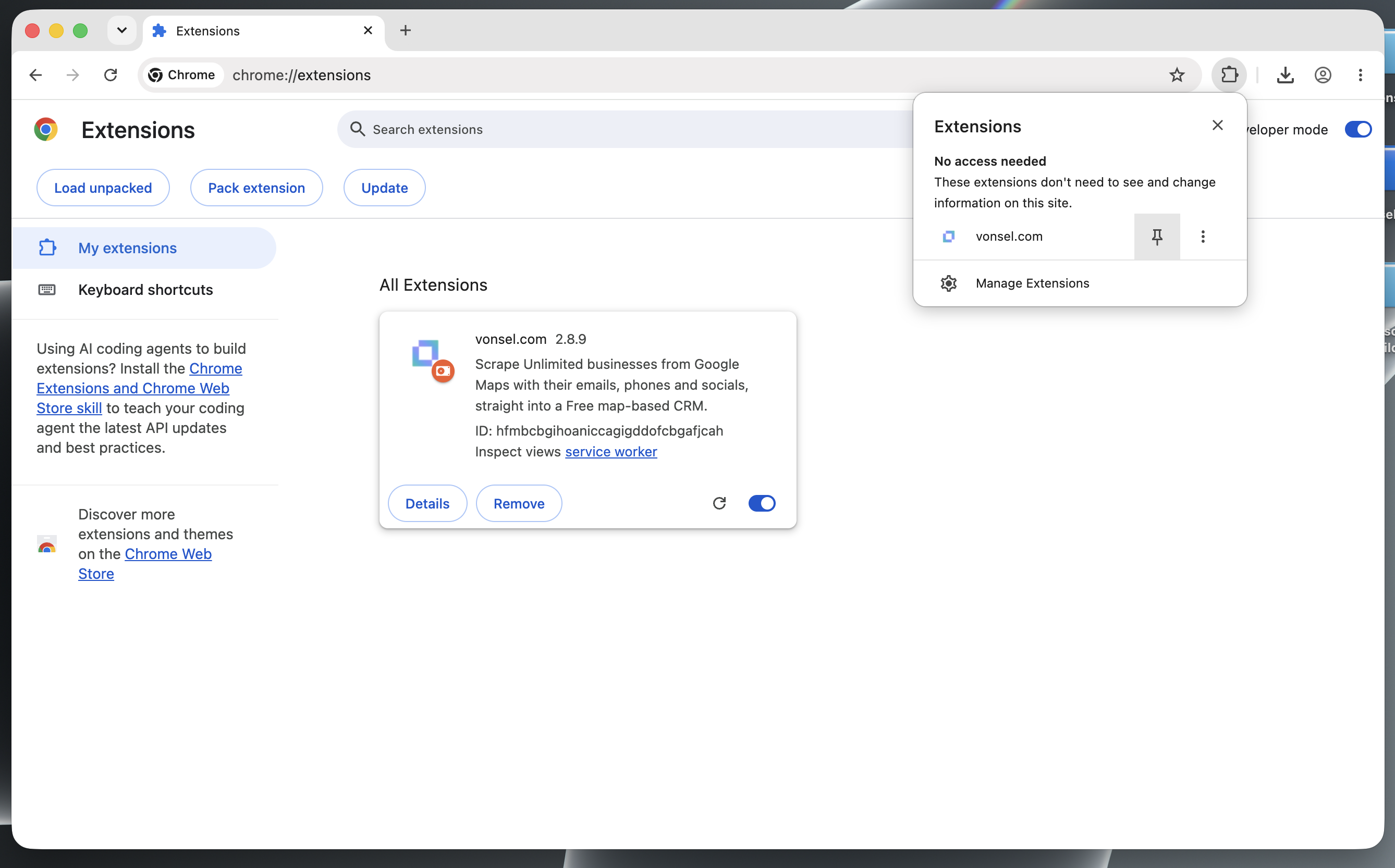
Click the Vonsel icon you have pinned to the Chrome toolbar.
Search for businesses, enable Update results when map moves, then click Start.
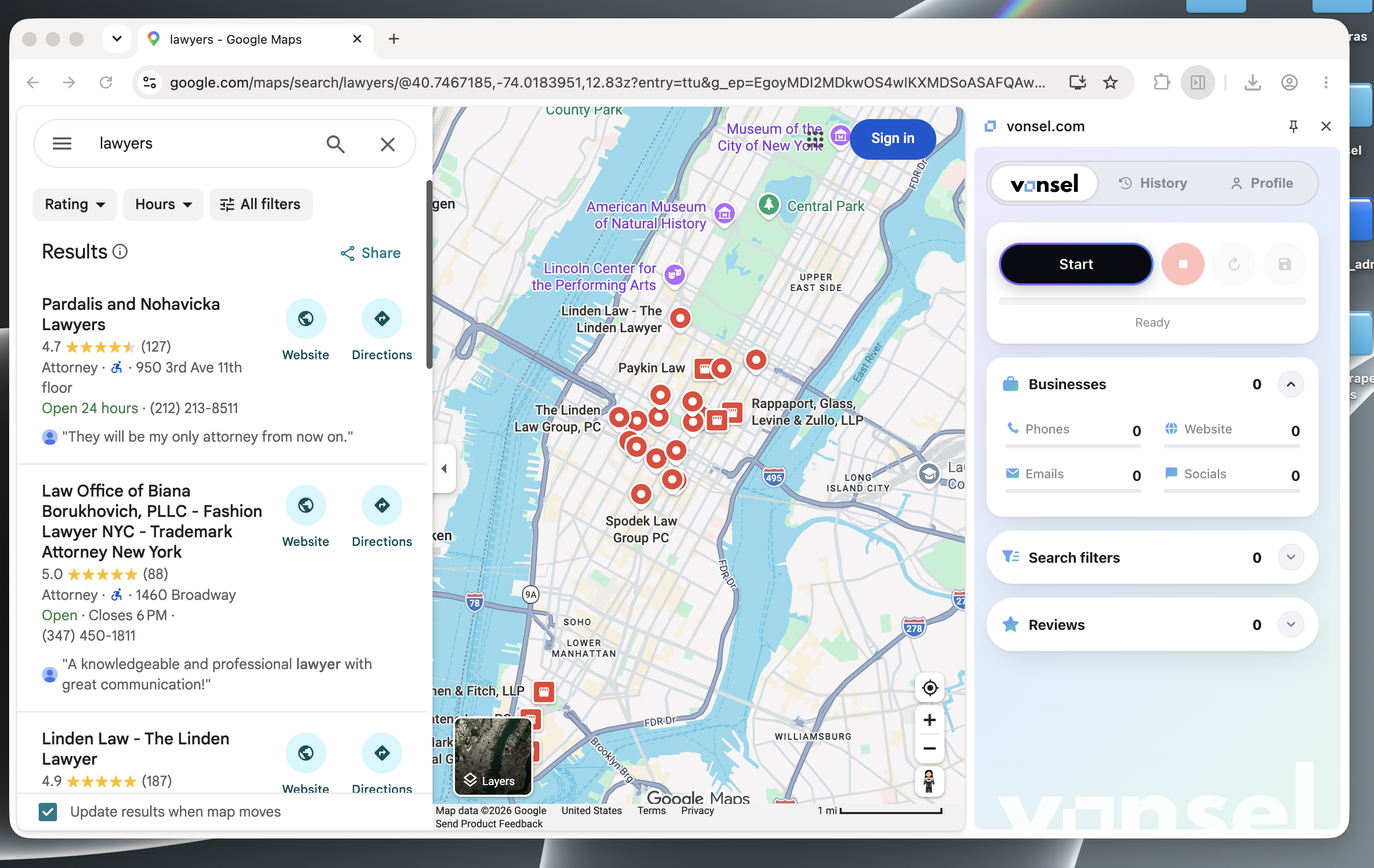
Move around the map to extract businesses from your chosen areas. Stop, save and import to the CRM.
 Vonsel
 Chrome